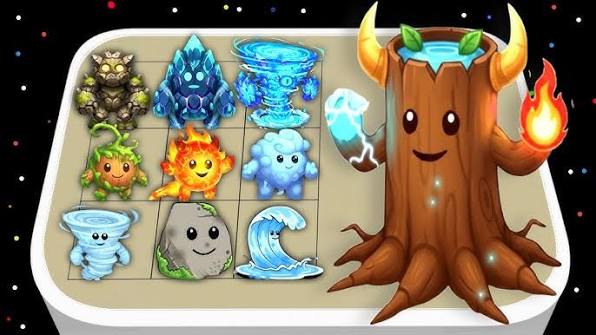
Elemental Merge includes a handy "List" button that shows all your discovered elements in a popup modal. This gives you a complete overview of your collection at a glance.
📋 What You Can Do
- View All: See every element you've discovered
- Sorted: Elements are alphabetically organized
- Click to Spawn: Click any element to add it to your board
- Track Progress: See your total count at a glance
🎯 How to Use It
Simply click the "List" button on the game board. A modal will open showing all your discovered elements. Click any element to spawn it instantly on the board — perfect for experimenting with combinations you already have.
📊 Track Your Progress
The List view also shows your progress with a counter (e.g., 45/80), helping you see how many elements you've discovered and how many are left to find.
Back to Features